Schedules, groups, cleaning, territories and your service report in one simple app. Every brother sees what is theirs and gets the alert in time.
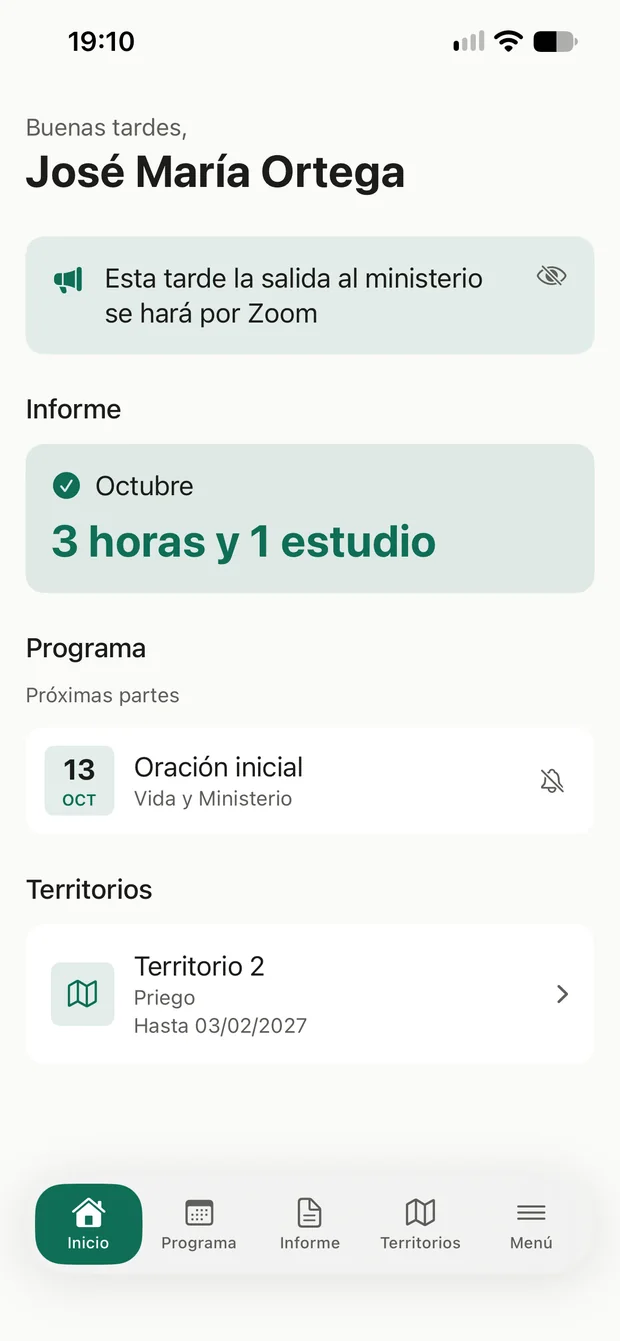
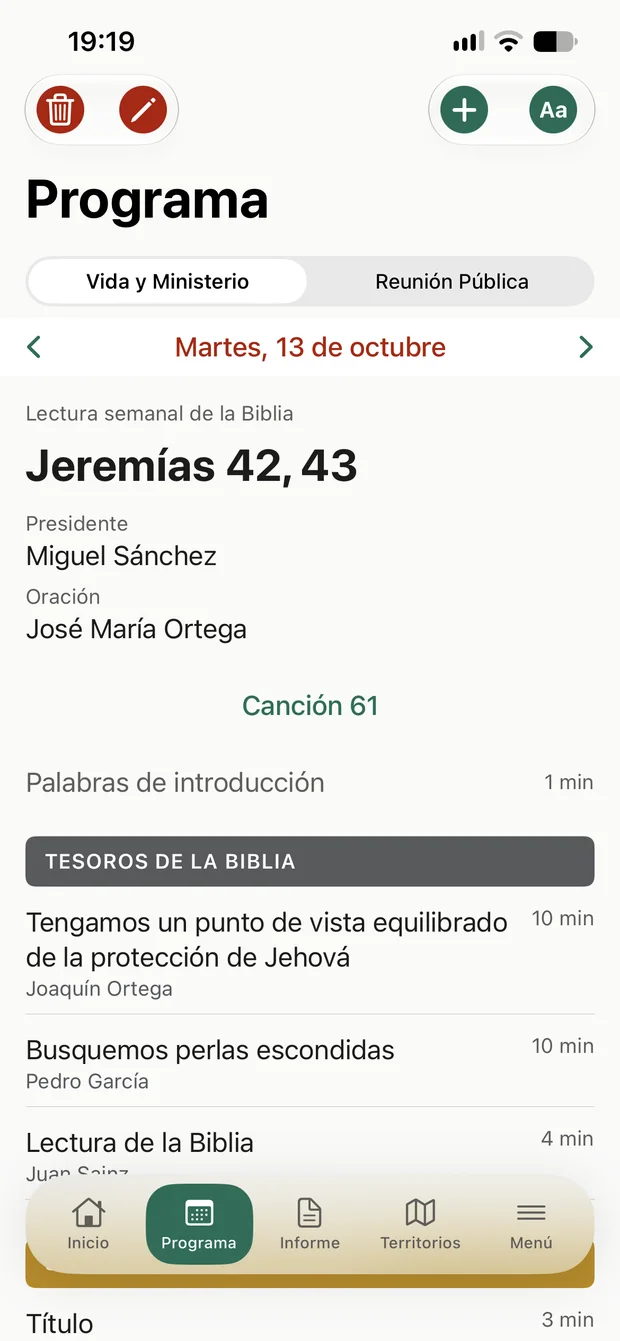
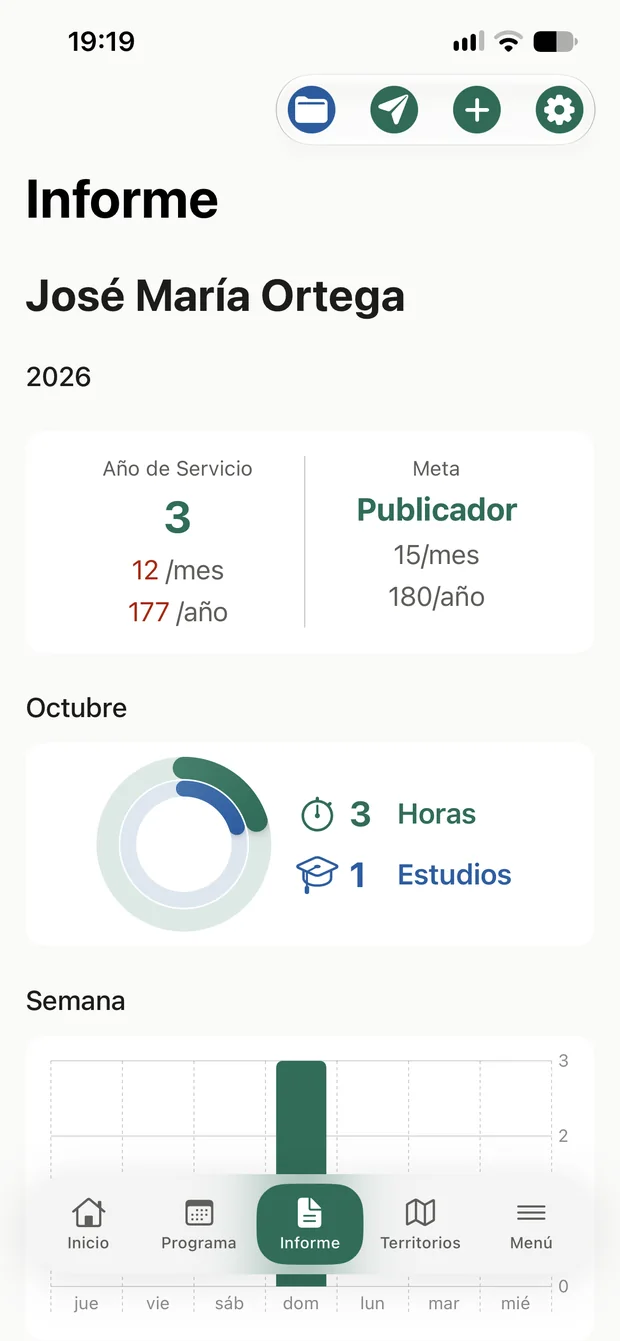
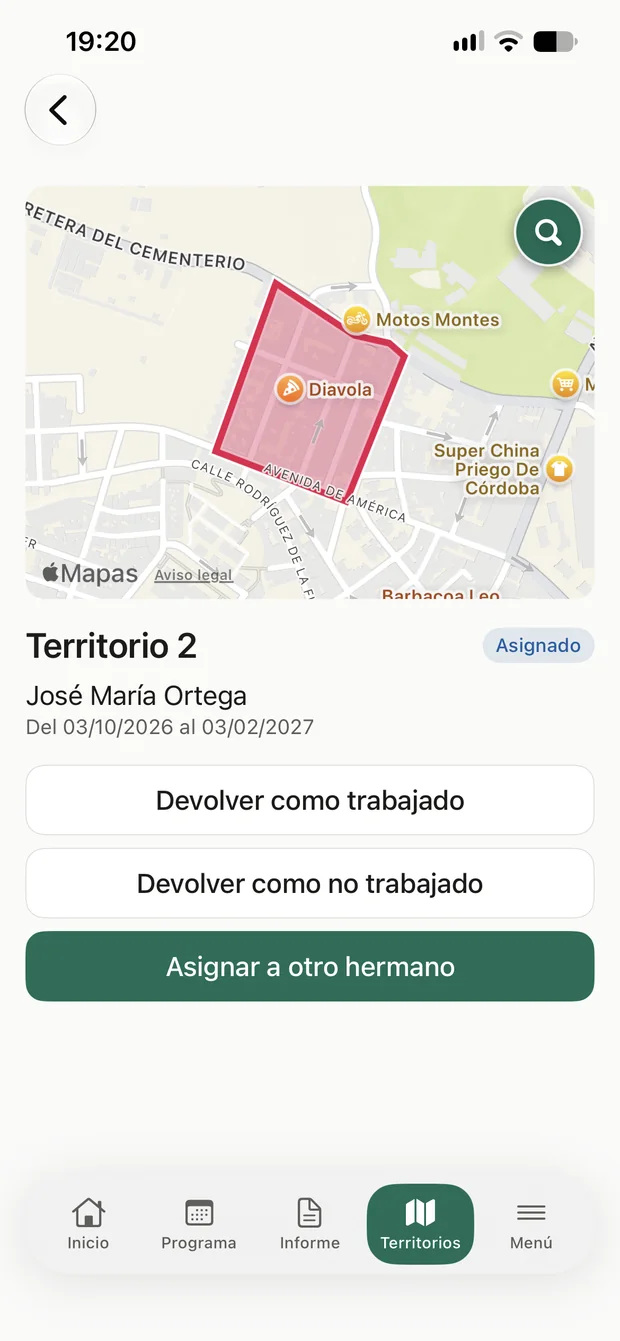
Wkit replaces sheets, message groups and loose papers.
Life and Ministry, Public Meeting, Audio and Video and any other program the congregation organizes.
Every brother sees his parts and gets an alert at the time he chooses.
Service groups with overseer and assistant. Cleaning rotates by itself every week.
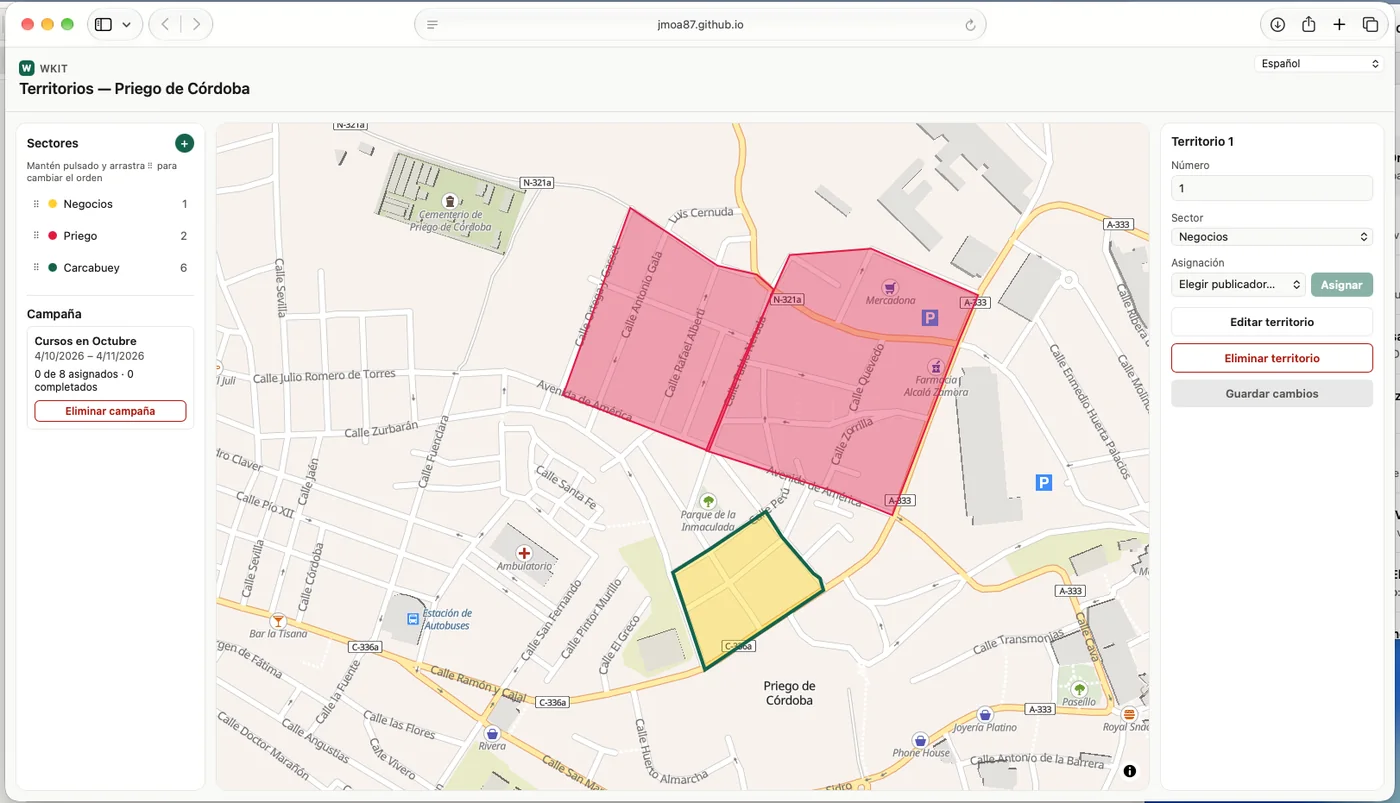
Assign, return and request territories from your phone or from the web panel.
Your report is yours alone: nobody else sees it, and it syncs between your devices.
Immediate or scheduled notices, with a notification for the whole congregation.
Assemblies, circuit overseer visits and other events, visible to everyone on Home and with a bell.
The same account at the same time on iPhone, iPad and Android, with your report in sync.
The group overseer and assistant can notify only their own service group.
When you open Wkit you see your upcoming parts, your responsibilities, this week's cleaning and the report reminder.
Create the Life and Ministry meeting and the Public Meeting, pick the brothers and you're done: each one gets his alert.
Record hours and studies, check your monthly and service-year goal and send the report with one tap. It is private and syncs between your devices.
Assign territories, handle requests and manage campaigns. Also from your computer with the web panel.
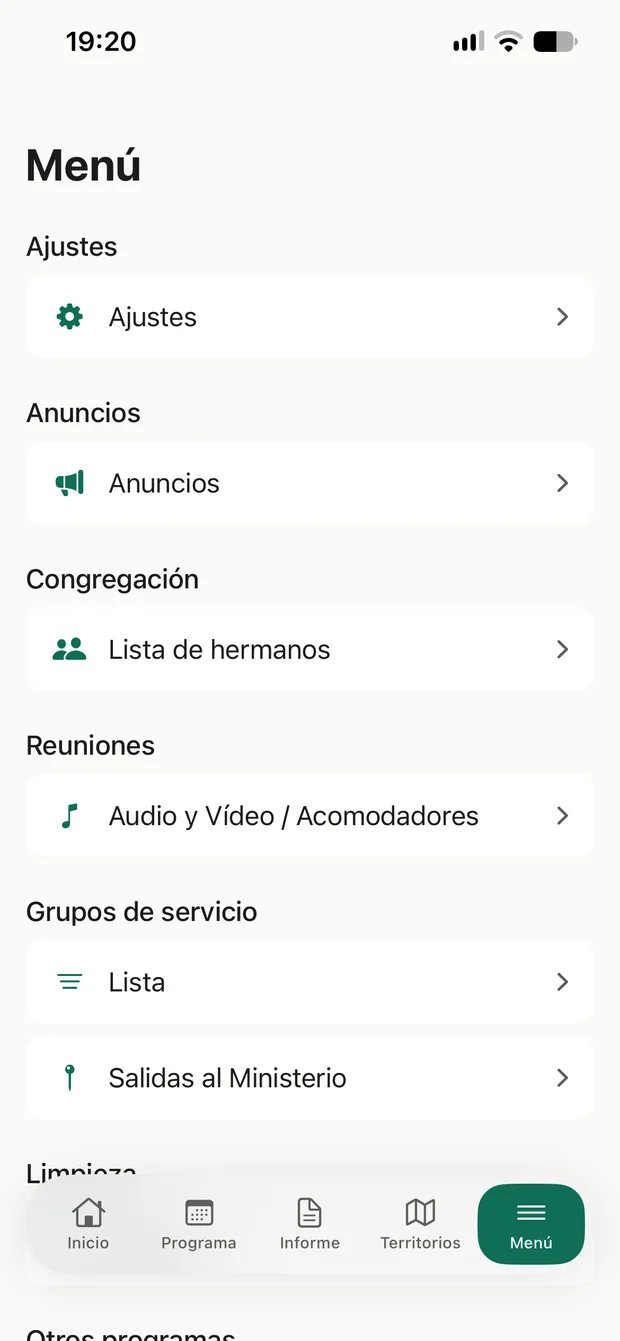
Announcements, list of brothers, audio and video, service groups, meetings, cleaning and other programs.
In a minute: name, number and country. No passwords.
With a link and a code sent by WhatsApp or text message.
Schedules, cleaning and territories up to date, with alerts in time.
Price in Spain, VAT included. The exact price may vary by country and is shown in the store before you confirm.
The guide explains every screen with videos and images: from signing in for the first time to organizing the schedule.
Open the guide →Have a question or something isn't working? Write to us and we'll help. If you can, say which device you use (iPhone, iPad or Android) and what you were doing.